

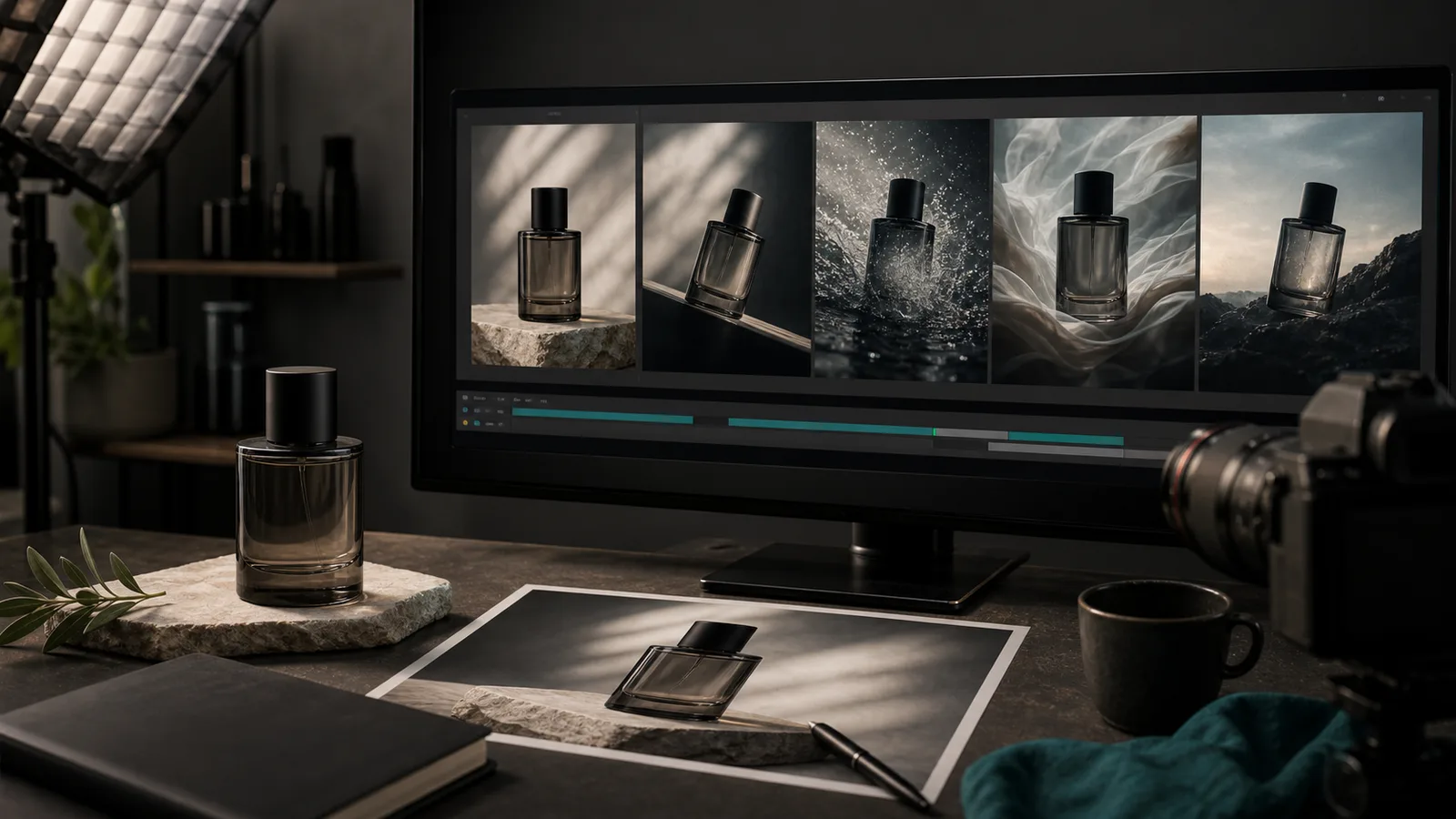
Why a Still Photo Is No Longer Enough
You took a clean product photo — good lighting, clear background, sharp focus. Six months ago, that was enough to run paid social. Today it competes with video ads that move, sound, and hold attention for the full six seconds the algorithm gives them before a swipe. According to Wyzowl, 91% of businesses now use video in their marketing, and 21% of marketers say short-form vertical video is their highest-ROI content format.
The gap between a photo and a video ad used to mean hiring a videographer, renting product shots, or paying a motion-design agency. That gap has closed. Image-to-video models — led today by Google Veo 3.1, Kling 3.0, and ByteDance Seedance 2.0 — can take a single reference image and return a 6-to-9-second clip with synchronized audio, realistic motion, and the correct aspect ratio for Instagram Reels or TikTok. The only input you need is already in your camera roll.
What Image-to-Video Models Can Do in 2026
The capability jump in the past twelve months is significant. At the start of 2025, none of the major commercial video models generated synchronized audio natively. By mid-2026, four of the six leading models do — in a single pass, with no separate audio track to stitch in later.
Google Veo 3.1
Veo 3.1 accepts up to three reference images and outputs clips at 1080p/24fps in 16:9 or 9:16. Dialogue, ambient sound, and sound effects are generated together with the video. Google has also integrated Veo 3.1 directly into the Google Ads interface, where advertisers can generate up to 8-second clips from an image and a text prompt — without leaving their campaign dashboard.
Kling 3.0
Released in February 2026, Kling 3.0 from Kuaishou currently holds the top spot on text-to-video leaderboards. Its native output is 4K (3840×2160) at 30fps — the highest native resolution among major commercial models — and it supports a Multi-Shot Storyboard feature for planning 3 to 12 shots within a single generation. For a product ad, that means you can brief a full mini-story around a single item.
ByteDance Seedance 2.0
Seedance 2.0 landed in February 2026 and is notable for phoneme-level lip-sync across more than eight languages — which matters if you run multilingual ads. It is also the engine integrated into TikTok's Symphony Creative Studio. That integration comes with an important practical detail: TikTok automatically applies AI-disclosure labels to any content generated with Symphony, so your creative is correctly flagged from the moment it uploads.
How to Brief an Image-to-Video Generation Well
The model is only as good as your brief. Most failed generations come from one of three problems: a cluttered reference image, a prompt that describes the product instead of the motion, or no clear hook in the first second. Here is what works.
Start with a clean reference image
Use a photo with a clear subject, minimal background clutter, and the product fully visible. A flat-lay on a neutral surface works. A lifestyle shot with a busy background works less well — the model has to infer what to animate, and it will animate everything. If your only shot is busy, crop it tight on the product before you generate.
Specify the format and duration
Always request vertical 9:16. Social platforms serve Reels and TikTok in full-portrait mode; a landscape clip shrinks to letterboxed and loses most of the screen. Target 6 to 9 seconds — short enough to keep completion rates high, long enough to show the product and communicate one benefit.
Put the hook in the first second
The first second determines whether someone keeps watching or swipes. Brief the motion to start with movement — a slow orbit around the product, a pour, a reveal, a zoom in. Describe this in your prompt explicitly: "starts with a slow pull-back from the bottle, revealing the full label, gentle mist rising from the surface." If you leave the opening motion to the model's default, you often get a static hold.
Describe motion, not the product
A common mistake is writing a product description in the prompt instead of a camera and motion description. The model already sees the product in your reference image. What it needs to know is how the scene should move. Write the motion: camera direction, speed, any secondary elements (light shift, condensation, fabric drape), and the audio mood if the model supports it.
Keep it on-brand
Brief the visual language of your brand: color palette, mood (clinical and precise vs. warm and organic), and whether you want captions. For TikTok, on-screen captions are standard — specify whether they should appear in the generation prompt or whether you will add them in post.
Platform Specs That Matter
Each platform has its own technical requirements, and getting them wrong means your ad either fails to deliver or appears cropped.
- Instagram Reels / Meta ads: 9:16 vertical, minimum 1080×1920px, MP4 or MOV, up to 60 seconds (15s performs best for ads). Audio on by default in feed.
- TikTok: 9:16 vertical, 1080×1920px, MP4, 5–60 seconds (6–15s for paid creative). AI-disclosure labels applied automatically when generated via Symphony Creative Studio.
- Google Ads (Performance Max / Demand Gen): 9:16 and 16:9 both usable; Veo 3.1 integration outputs up to 8 seconds. Captions required for accessibility compliance.
- YouTube Shorts: 9:16, up to 60 seconds. According to Google, Shorts ads deliver 2.3x higher long-term ROAS than standard paid social.
The IAB State of Data report projects that AI-generated video will make up roughly 40% of all video ads by the time the current adoption curve flattens, and 86% of digital video ad buyers are already using or planning to use generative AI for creative. The specs above are not future-proofing — they are the current standard.
The AI-Disclosure Requirement on TikTok
As of mid-2026, TikTok automatically attaches an AI-generated content label to any video created through Symphony Creative Studio. This is not optional and it is not a penalty — it is a platform-wide policy that applies to every creator and advertiser using the tool. For organic posts, TikTok's own Creator tools also offer a manual AI-label toggle.
For advertisers, the practical implication is simple: your product video ad will carry a small disclosure badge. Research so far shows no material impact on conversion rates. What it does mean is that your creative needs to be strong enough to hold attention on its own merits — an AI label does not excuse a weak hook.
Audio: The Differentiator Most Brands Miss
Veo 3.1 and Seedance 2.0 both generate synchronized audio in the same pass as the video — no separate soundtrack to add. This is a meaningful change from 2025, when every serious commercial model delivered silent clips. For product ads, the audio layer typically includes an ambient mood (kitchen sounds for a food product, outdoor ambience for a travel item) and optional voice-over or sound effects.
When briefing audio, be as specific as you are about motion: "warm background music, soft piano, subtle product sound as the lid clicks open, no voice-over." If you leave audio unspecified, models tend to generate generic upbeat music that fits no brand in particular.
If your product ad needs a voiced script — a spokesperson delivering a line — Seedance 2.0's phoneme-level lip-sync across eight languages makes it practical to generate multilingual variants of the same video ad without re-shooting anything.
From Photo to Published Ad: The Full Workflow
Here is a practical end-to-end sequence for a small team or a solo marketer.
- Select and crop your product photo. Clean background, product centered, nothing in the frame you don't want animated.
- Write a motion prompt. Focus on camera movement, speed, mood, audio, and the specific action that happens in the first second.
- Generate the clip at 9:16. Review for product clarity — the model should keep the product recognizable throughout.
- Add on-screen captions or a text overlay if the platform expects them (TikTok almost always does).
- Review the audio and replace or adjust if the generated sound doesn't match your brand.
- Schedule to Meta (Instagram/Facebook), TikTok, or Google from your marketing platform — set the date, time, and caption without leaving the tool.
With SEENALYZE AI, steps 1 through 6 happen inside a single workflow. You upload the photo, generate the video ad, review and approve, add the caption and hashtags, and schedule it to your connected channels — Meta, Instagram, and TikTok — from the same dashboard. There is no file export, no platform-switching, and no manual upload.
What Makes a Product Video Ad Actually Convert
Motion gets the view. Copy and clarity get the click. A few principles that hold across formats:
- One product, one benefit, one call to action. Ads that try to say three things convert at roughly the rate of ads that say nothing. Pick the one thing you want viewers to remember.
- Show the product in context, not isolation. A moisturizer being applied looks more persuasive than a moisturizer sitting on a white table — even a subtle motion like a hand entering frame makes it concrete.
- Captions are not optional on TikTok. Most TikTok users watch with sound off in public; captions ensure the message lands regardless.
- The last second matters as much as the first. Brief a clear visual end-frame — product in focus, brand mark visible — before the CTA text appears.
Key Takeaways
- Image-to-video models (Veo 3.1, Kling 3.0, Seedance 2.0) can animate a single product photo into a social-ready video ad with synchronized audio in one generation.
- Brief the motion, not the product. The model sees the image; it needs instructions on camera movement, pacing, and sound.
- Always generate in 9:16 vertical for social ads. Target 6–9 seconds. Hook in the first second.
- TikTok's Symphony Creative Studio applies AI-disclosure labels automatically — plan for this in your creative strategy.
- SEENALYZE AI connects the generation step to the scheduling step, so there is no manual export or platform-switching between creating the ad and publishing it.
Frequently Asked Questions
Do I need a professional photo to use image-to-video AI?
No. A clean smartphone photo works well as a reference image, provided the product is clearly visible and the background is not heavily cluttered. Studio quality helps, but it is not a requirement.
Will the AI change what my product looks like?
Modern reference-image models are designed to preserve the product's appearance throughout the clip. Occasional drift can happen — the model might subtly alter a label or change a color tone. Always review the output before publishing, and regenerate if the product looks meaningfully different from the reference.
How long does it take to generate a video ad?
Generation time varies by model and output resolution, but most leading models return a 9:16 clip in under three minutes. The briefing and review process — selecting the image, writing the prompt, checking the output — typically takes 10 to 20 minutes per creative.
Can I run the same video ad on Meta and TikTok?
Yes. A 9:16 clip at 1080×1920px meets the technical spec for both Instagram Reels and TikTok. You may want to adjust the caption and hashtags for each platform's culture, but the video creative itself can run across both.
Does SEENALYZE AI handle the TikTok AI-disclosure label?
When you publish through TikTok's connected channels, the platform applies its own AI-content labels automatically according to its current policy. SEENALYZE AI schedules the video to TikTok; TikTok's system manages the disclosure labeling at the point of upload.
Your product photos are ready to move
Generate a video ad from any product image, add your caption, and schedule it to Meta, Instagram, or TikTok — all from one place.