

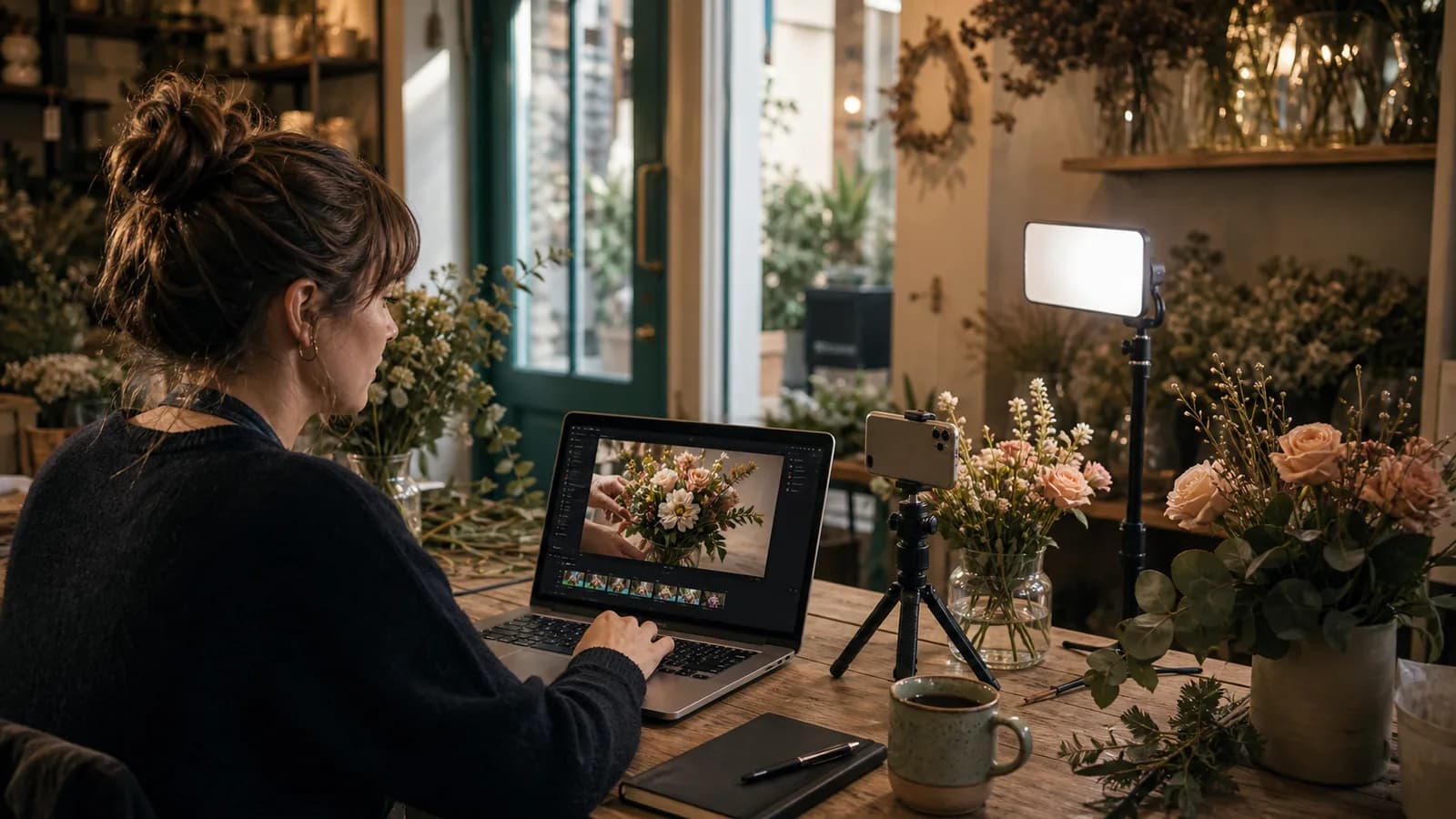
Why Video Became Non-Negotiable
According to Wyzowl's 2026 report, 91% of businesses now use video as a marketing tool, and 63% of video marketers say they already use AI tools to produce that content. Those numbers do not surprise anyone who has tried to keep up with an Instagram Reels or TikTok feed in the past two years. The surprise is that the production gap — the thing that kept small businesses out of the video race for a decade — is closing fast.
If you run a bakery, a boutique fitness studio, a local law firm, or a five-person e-commerce brand, you probably know what video can do for reach. You also probably know what a two-day shoot and a freelance editor costs. Text-to-video AI changes that equation — not perfectly, but meaningfully.
This guide will tell you what is genuinely possible today, what is still frustrating, and how to pick your first real project.
What Text-to-Video Actually Means in 2026
Text-to-video models take a written prompt — sometimes combined with a reference image or a few storyboard shots — and render a short video clip with motion, lighting, and, in the best current models, synchronized audio. The gap between a typed sentence and a publishable clip shrank dramatically between late 2024 and mid-2026.
The leading models as of mid-2026
Four tools dominate serious commercial use right now. Google Veo 3.1 generates native synchronized audio — dialogue, ambient sound, and sound effects in one pass — at 1080p/24fps in both landscape and vertical formats, with clip extension up to 60 seconds via Google Flow. Kling 3.0 (from Kuaishou, released February 2026) outputs native 4K at 3840×2160 with a Multi-Shot Storyboard feature that lets you string 3–12 shots into a coherent sequence. Runway Gen-4.5 gives you directorial controls — motion brush, frame control — and integrates as a partner model inside Adobe Firefly. ByteDance Seedance 2.0 (also February 2026) is the choice for multilingual lip-sync, with phoneme-level accuracy across eight-plus languages; it powers TikTok's Symphony Creative Studio.
That lineup matters because as recently as early 2025, none of these models could generate synchronized audio natively. The pace of change is fast enough that a six-month-old guide to AI video is already outdated.
What It Does Well
Be specific about the wins, because the technology earns them. Here is where text-to-video consistently pays off for small business marketers:
- Short-form vertical clips (under 30 seconds). Reels, TikToks, and YouTube Shorts are exactly the format these models were optimized for. Tight, punchy, visually clear clips perform well — industry research for 2026 puts short-form video as the highest-ROI format for 21% of marketers.
- Product showcases without a photographer. Feed a product image and a prompt describing the mood, and you get motion, depth, and lighting that a static shot cannot match. The image-to-video workflow (supported by Kling 3.0, Veo 3.1, and Midjourney v7's 5–21 second video feature) is genuinely useful for e-commerce.
- Concept and mood clips. A restaurant announcing a seasonal menu, a gym promoting a new class, a real-estate agent setting a neighborhood's atmosphere — these rely on feeling more than documentary precision, which is exactly where generative video excels.
- Ad creative at volume. According to IAB research, AI-generated video ads are projected to represent roughly 40% of all video ads — and 86% of digital video ad buyers are already using or planning to use generative AI for creative. The volume and speed advantages are real.
- Multilingual social content. Models like Seedance 2.0 with phoneme-level lip-sync mean a single campaign concept can produce speaking-head variants in multiple languages without per-language shoots.
Where It Still Falls Short
Setting honest expectations now saves you from wasted hours later. Text-to-video in 2026 has real limitations every small business owner should understand before committing to a workflow.
- Clip length is still short. Most reliable outputs are under 15 seconds. Extended clips (up to 40–60 seconds with tools like Runway Gen-4.5 or Google Flow) exist but can drift in consistency — characters change subtly, lighting shifts. For a 60-second brand story with a consistent human face, you are still stitching multiple clips together.
- Consistent human characters are hard. If your brand features a recognizable spokesperson, maintaining their face, outfit, and mannerisms across a generated scene remains unreliable without careful reference-image workflows. AI avatar tools (a separate category) handle this better.
- Legible text inside video is unreliable. Storefronts, product labels, and price tags rendered inside generated clips often contain errors. Add text as a post-production overlay — not via the prompt.
- Prompt precision matters enormously. A vague prompt returns a generic clip. Specific prompts — camera angle, lighting style, subject action, mood, color palette — return something usable. The learning curve is real.
- Legal and brand safety review. Commercially safe training data varies by model. Adobe Firefly Video is the clearest choice for IP-sensitive work. Review your model's licensing terms before using output in paid ads.
The Vertical Short-Form Opportunity
The format that matters most for small businesses right now is vertical short-form: 9:16, under 60 seconds, native to Reels, TikTok, and YouTube Shorts. Recent industry research found that short-form video delivers roughly 2.5 times more engagement than long-form content, and Google's own data puts YouTube Shorts ads at a 2.3x higher long-term ROAS than paid social.
The good news: all four of the leading video models support 9:16 output natively. Veo 3.1 generates vertical clips with the same audio quality as its landscape output. Kling 3.0's 4K resolution means even cropped or reframed clips retain sharpness. The format that was historically expensive to produce well — because mobile-native vertical framing required intentional cinematography — is now something a text prompt can specify in seconds.
According to Wyzowl, 63% of video marketers already use AI tools, and 91% of businesses use video in their marketing. The question is no longer whether to use video — it is whether to produce it the slow way or the smart way.
Realistic Clip Length and Production Timelines
Here is what to expect from today's tools in practical terms:
- 3–8 seconds: The sweet spot for reliable, high-quality output. Single-scene clips with clear subject action. Great for product reveals, Reels hooks, and ad-opening frames.
- 10–20 seconds: Achievable with most models at high quality. Multi-beat storytelling in a single generation. Some drift in lighting and character consistency toward the end.
- 30–60+ seconds: Requires clip stitching or model-specific extension features (Runway Gen-4.5 extends to ~40s; Google Flow extends Veo clips beyond 60s). Plan for editing time.
- Multi-shot sequences: Kling 3.0's Multi-Shot Storyboard supports 3–12 connected shots. This is the clearest path to a coherent 30–60 second narrative without stitching in post.
Production time for a finished, publishable 15-second clip — prompt to export — typically runs 20–40 minutes for someone with moderate experience. A first-timer should plan for 2–3 hours of iteration on their initial project, and then see that shrink as they learn prompt patterns.
First-Project Ideas for Small Businesses
The fastest way to build skill is to start with a contained, low-stakes project. Here are five first projects sized for a small business team with no prior video production experience:
- Product highlight Reel (e-commerce). One hero product, one 8-second clip: the product in a lifestyle context, ambient sound, motion. Feed a clean product photo and a mood description. Ship to Instagram and Facebook.
- Weekly offer announcement (hospitality, retail). A recurring 6–10 second vertical clip announcing a weekly special — same format, fresh prompt each week. This is where AI's speed advantage compounds over time.
- Service explainer teaser (professional services). A 12-second atmospheric clip that sets the mood for your core service — law, finance, health — paired with a voice-over written as a caption. No faces required; ambience and concept visuals work well.
- Seasonal campaign asset (any business). A short clip for a holiday, a season change, or a local event. Generative video handles atmospheric and seasonal mood scenes better than almost any other brief.
- Ad creative test (paid social). Generate two or three short clips with different visual styles for the same offer and run them as A/B creative tests. The cost to produce the variants is low enough that testing becomes routine rather than exceptional.
Cost and Time Savings: The Real Numbers
A professional video shoot for a 30-second social clip — including a videographer, a location fee, basic editing, and color grading — typically costs between €500 and €3,000 in most European markets, or comparable sums elsewhere, and takes one to two weeks from brief to publish-ready.
AI text-to-video compresses both dimensions. Subscription access to a professional-tier video model runs roughly €20–100 per month depending on the platform and usage volume. A clip can go from idea to export in under an hour once you are comfortable with prompting. Industry surveys from 2026 found marketers recover an average of 6.1 hours per week using AI tools — and video production is one of the highest-leverage areas.
The tradeoff is real: AI video looks like AI video to trained eyes, especially at longer durations or with complex human subjects. For brand campaigns where authenticity and recognizable faces matter, traditional or hybrid production still wins. For high-frequency social content, product showcases, and ad creative tests, AI is already the economically rational choice.
Key Takeaways
Here are the five things to hold onto from this guide:
- Text-to-video AI in 2026 is production-ready for short-form vertical content under 20 seconds. The major models (Veo 3.1, Kling 3.0, Runway Gen-4.5, Seedance 2.0) all support 9:16 format and most now generate synchronized audio natively.
- The sweet spot for small businesses is clips between 3 and 15 seconds: product showcases, weekly specials, seasonal mood pieces, and ad creative variants.
- Consistency breaks down at longer durations and with repeated human characters. Plan for clip-stitching workflows if you need 30–60 second outputs.
- Prompt specificity is the skill that separates generic output from something usable. Camera angle, lighting, subject action, mood, and color palette all belong in your prompt.
- According to Wyzowl, 91% of businesses now use video marketing. The question is not whether to join them — it is how to produce that video efficiently enough that it stays consistent and affordable.
Frequently Asked Questions
Do I need any design or video skills to use text-to-video AI?
No. The core input is a written prompt. You do not need to know video editing, color grading, or motion graphics. What helps is knowing what you want visually — mood, tone, subject, camera style — well enough to describe it in words. That is a writing skill more than a design skill.
How long does a typical AI-generated clip take to produce?
Rendering time varies by model and plan (from a few seconds to a few minutes per clip), but the total workflow — writing a prompt, reviewing output, iterating, and exporting — takes 20–40 minutes for a 10–15 second clip once you have some experience. Budget more time for your first few projects.
Can I use AI-generated video in paid ads on Meta or Google?
Yes, with caveats. Each platform has its own policies on AI-generated content, and some (like TikTok via Symphony Creative Studio) require automatic AI disclosure labels. Check your ad platform's current policy before running a campaign. For IP-sensitive work, Adobe Firefly Video — trained on licensed and public-domain content — is the safest commercial choice.
What happened to OpenAI Sora?
OpenAI discontinued Sora in early 2026 (app shutdown April 2026; API end September 2026). The competitive gap its exit created was absorbed by Veo, Kling, Runway, and Seedance — which is why those four tools now dominate the commercial market.
Is text-to-video worth it if my brand relies on a real person or spokesperson?
For content that features your recognizable face or a real team member, AI avatar and lip-sync tools (a separate category) are more appropriate than raw text-to-video. For atmospheric, product-led, or concept-driven content — the majority of SMB social posts — text-to-video is a strong fit.
How SEENALYZE AI Fits Into This Workflow
SEENALYZE AI brings AI video generation, image creation, and social scheduling into a single platform built for small businesses and agencies — so you are not juggling four separate tools to get from idea to published post.
You can generate video assets from a product photo or a text brief, edit visuals in the built-in image editor with layer support and region-level retouching, preview how your ad will look on Meta or Google before it goes live, and schedule or autopilot your content calendar — all without switching apps.
The brands and agencies that are pulling ahead on AI-powered video are not the ones with the biggest budgets. They are the ones that built a repeatable weekly workflow: brief, generate, review, publish, measure. SEENALYZE AI is designed to make that loop as short as possible.
Start making video content today
Generate video assets, edit visuals, and publish to every channel — no camera, no crew, no production budget required.